No products in the cart.


Bluetooth Speaker, Edifier, Portable Amplifier Speaker, Portable Speaker, USB Speaker
Edifier A3-8S
Availability:
In Stock
FEATURE
- Bluetooth V 5.0
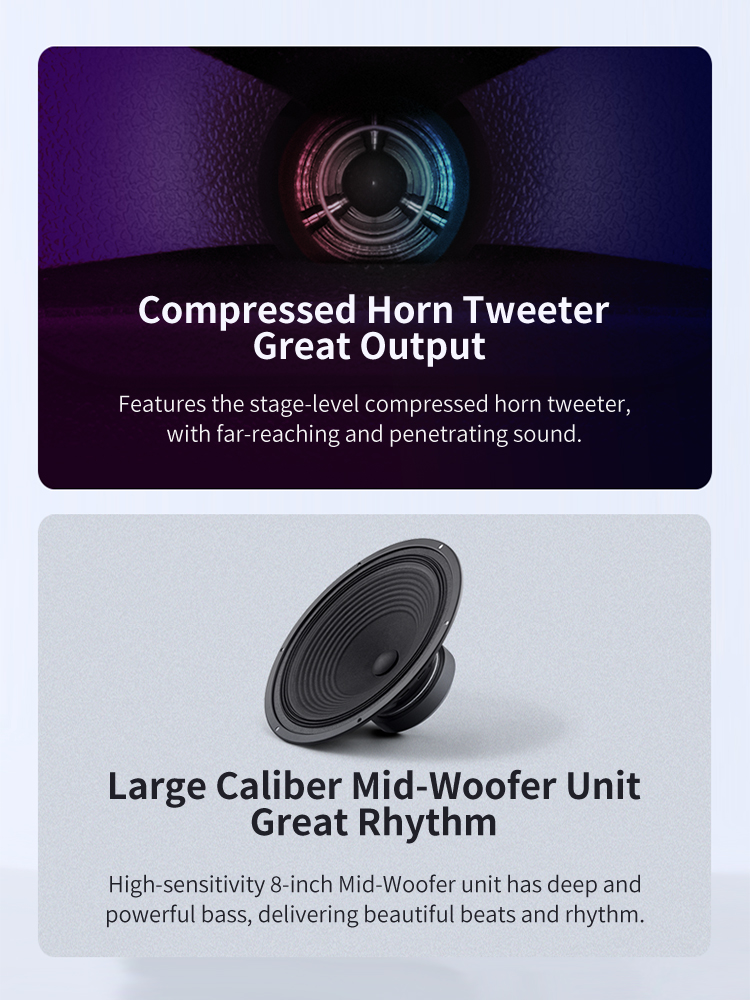
- Large Caliber Mid-Woofer Unit Great Rhythm
- U-Segment Wireless, Capacitor Microphone for Various Scenarios
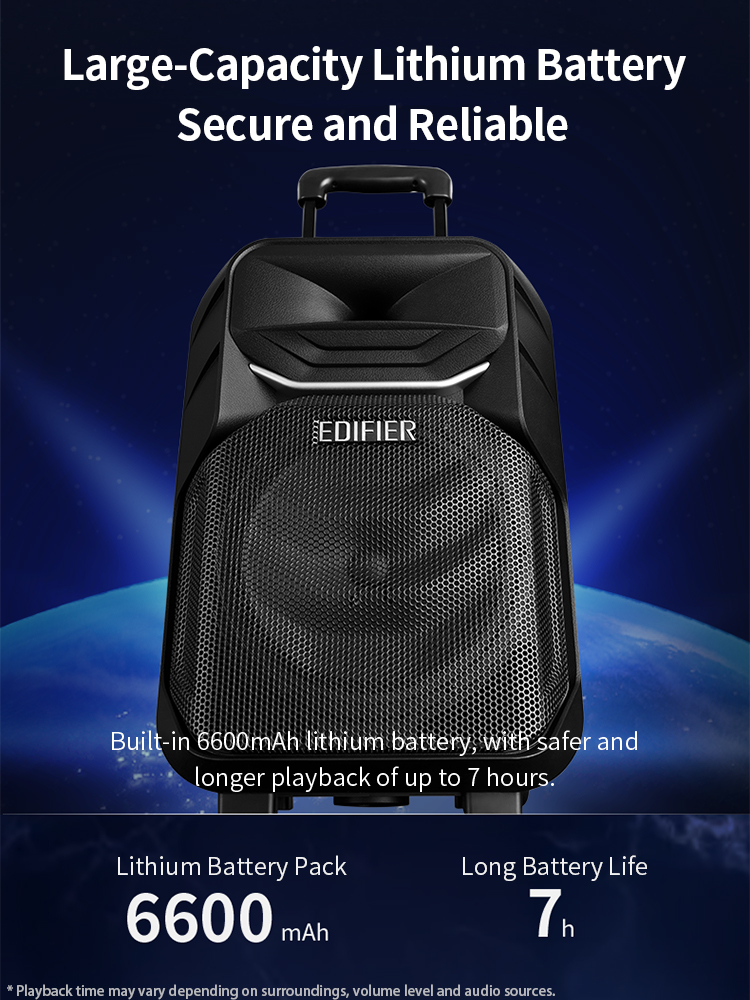
- Large-Capacity Lithium Battery Secure and Reliable
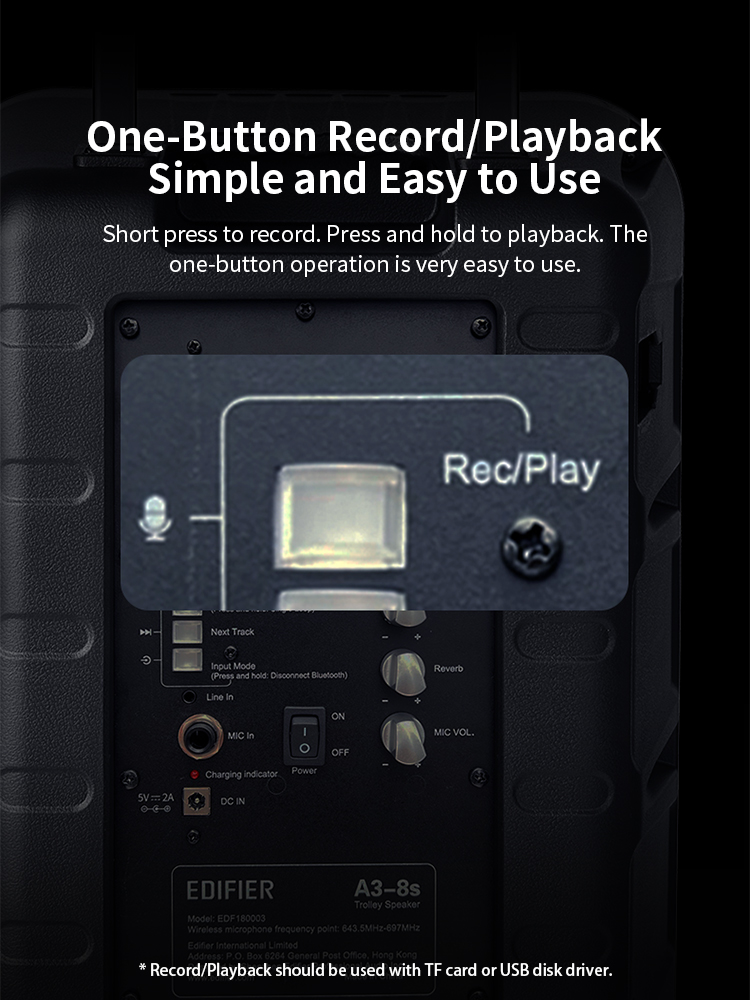
- One-Buttom Record/Playback, Simple and Easy to Use
- DSP Digital Audio Processing Low Distortion Level
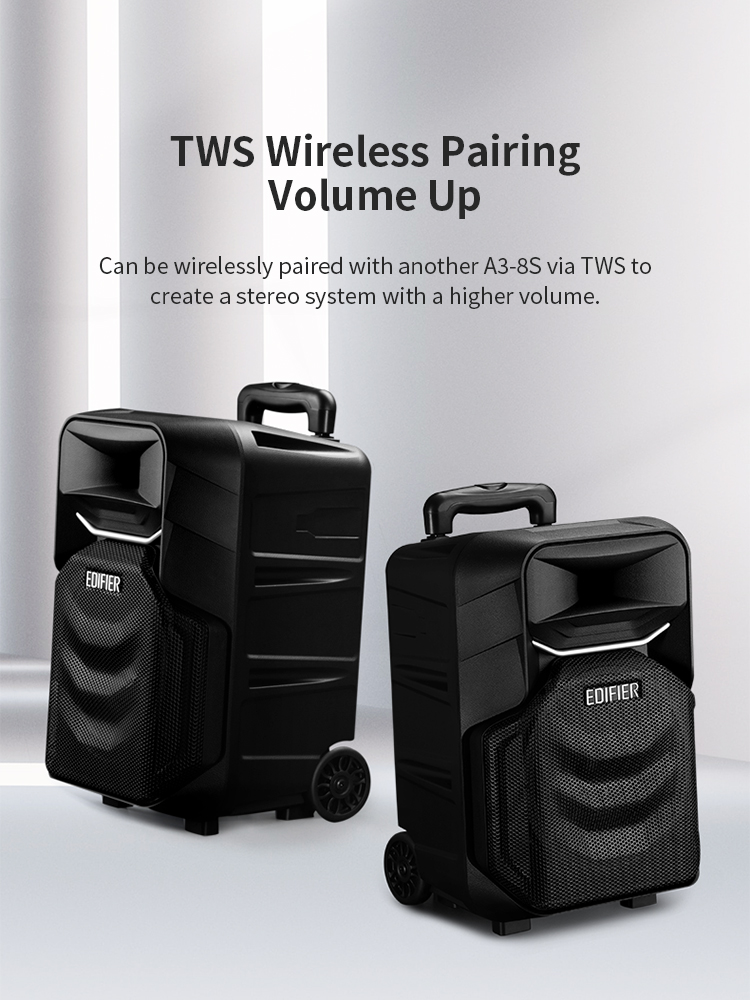
- Bluetooth 無線串聯,兩台音箱TWS配對 播放音樂 ,聲音更響亮
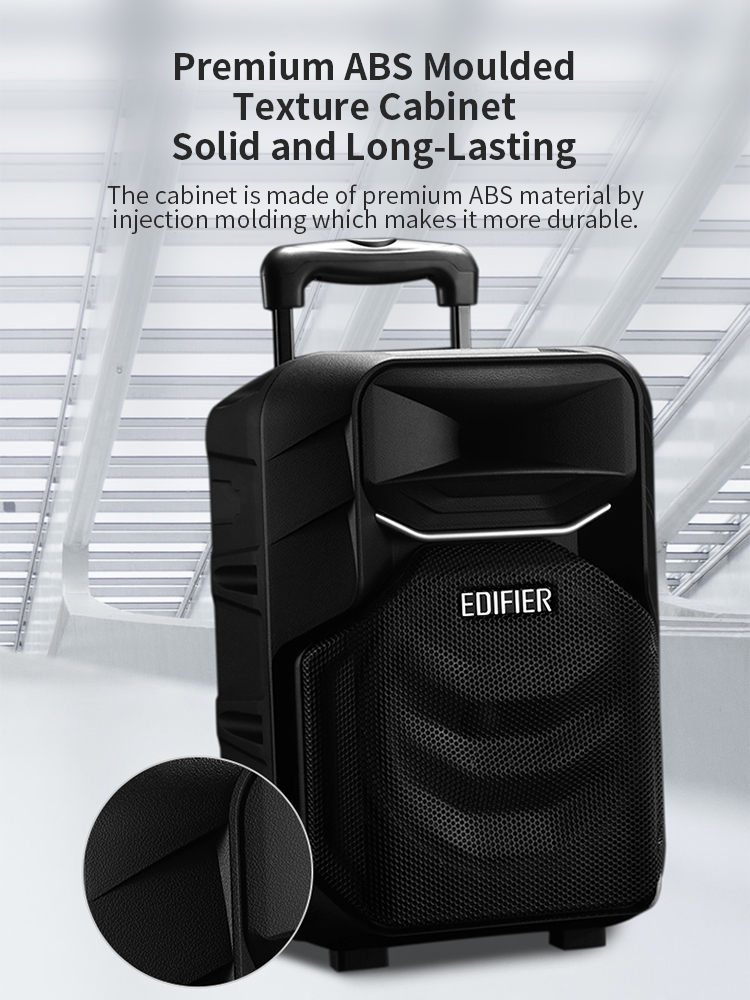
- Premium ABS Moulded Texture Cabinet, Solid and Long-Lasting
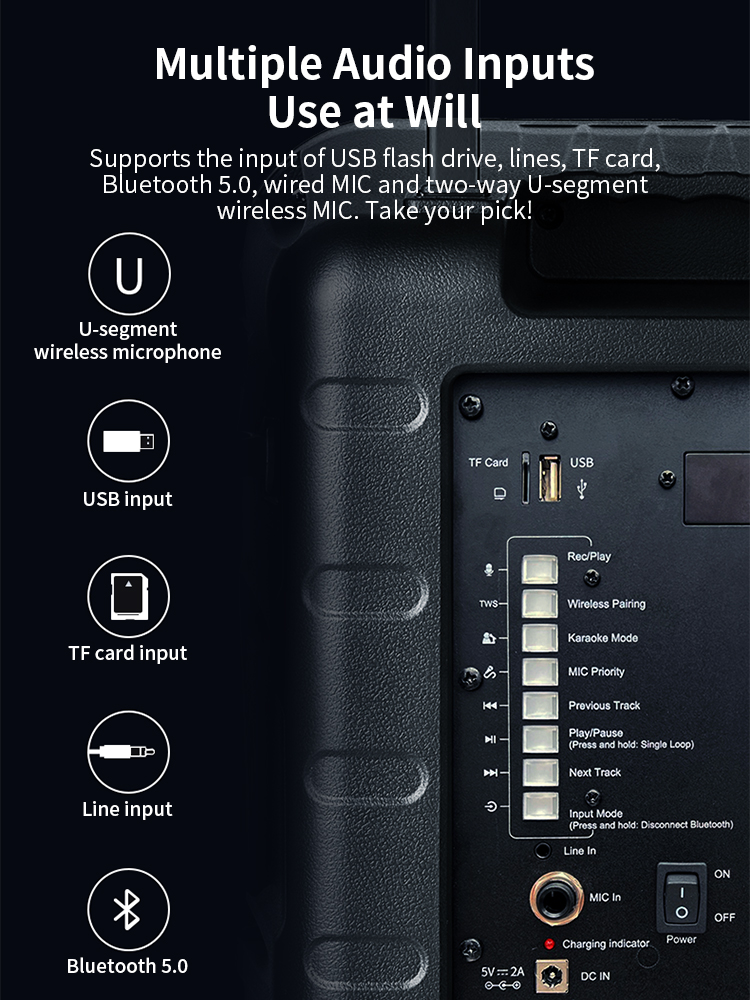
- Multiple Audio Inputs: Bluetooth / AUX / USB / TF Card
$990.00
In Stock

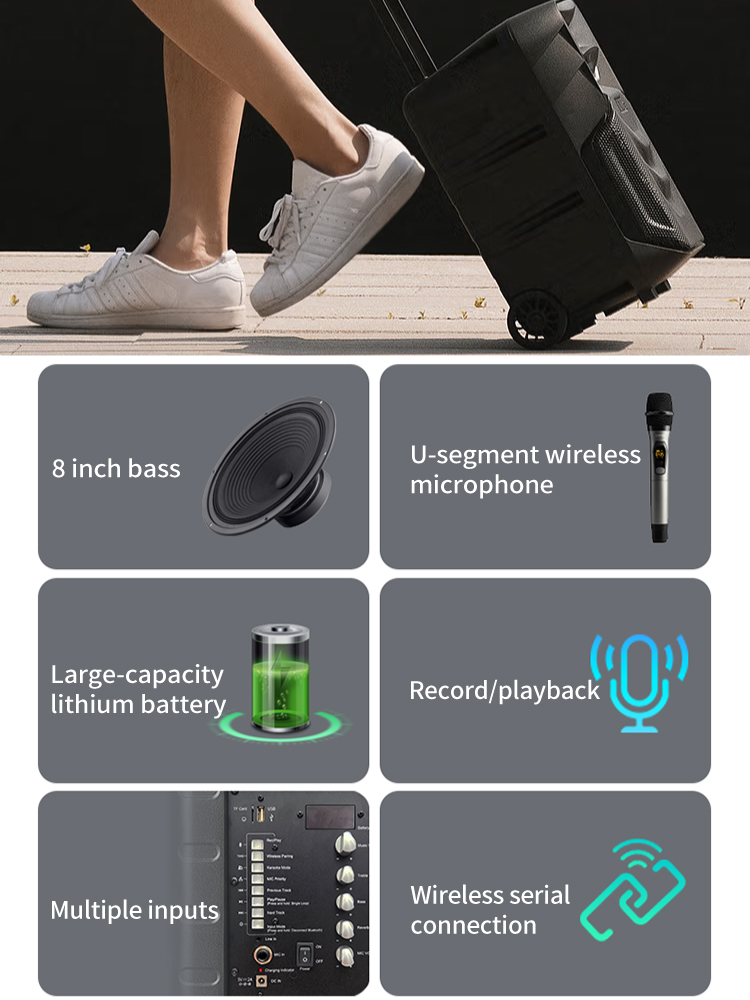

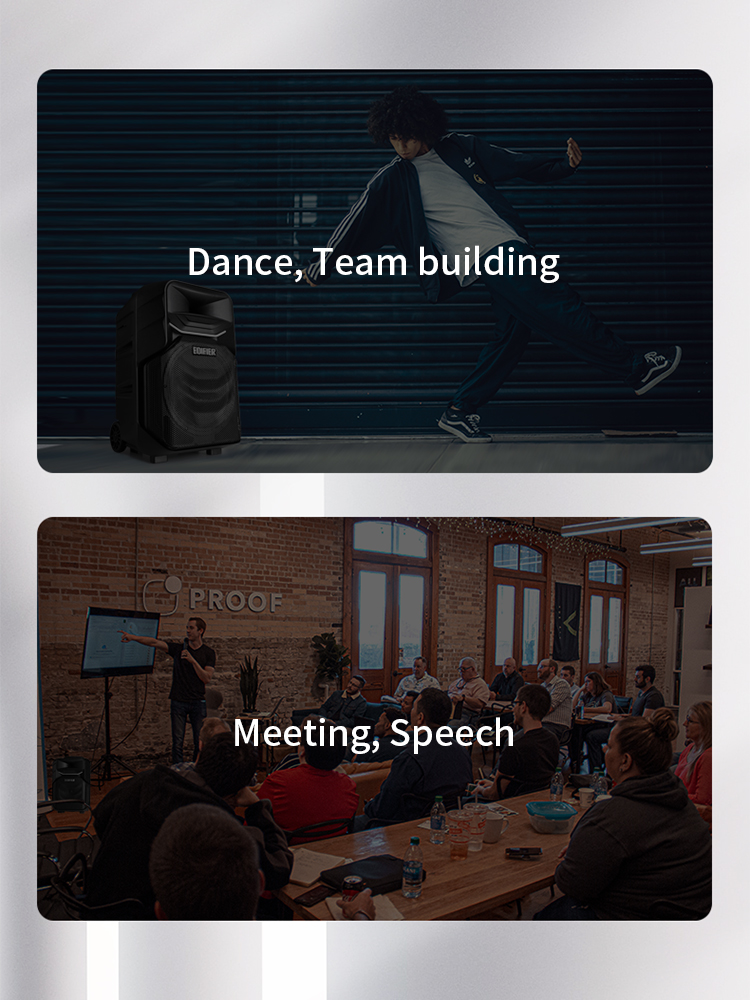
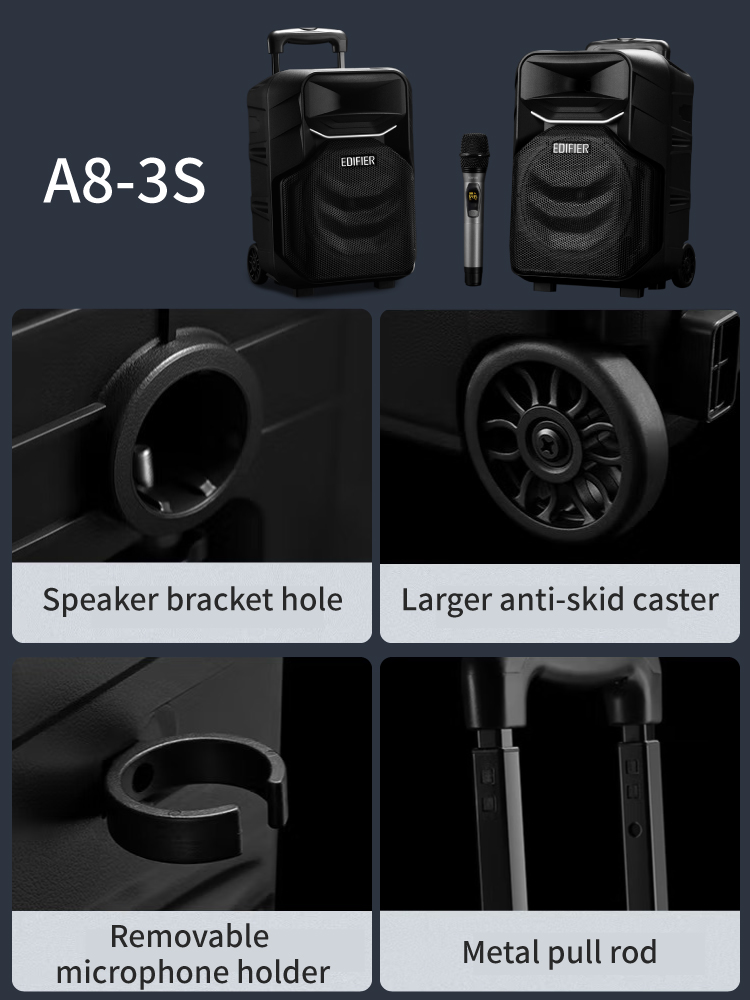

Dual wireless MIC function, although it is used with a dedicated UHF MIC and supports A/B channels, connects and pairs wireless MIC.
Pair function: Remove the MIC battery cover and there is a pairing button on the back.
- Single click to switch digital frequency.
- Press twice quickly to switch the CHA / CHB frequency band
- Press the button for more than 5 seconds, and the MIC display will flash to enterPairing Mode.
MIC entryPairing ModeThen, turn the speaker main power switch from OFF to ON.
The MIC display stops flashing and pairing is complete.

Pairing two TWS speakers
① When the speakers are powered on, press and hold the "Wireless Pairing" button on the control panel of the two speakers for about 3 seconds in any mode.
The box enters TWS pairing mode, and the "PA" character on the display flashes quickly;
② After the two speakers are paired successfully, one of them will become the main speaker and the other will become the secondary speaker. The secondary speaker will display “LEFt”.
The character "RIGH" on the main box display screen will light up for 3 seconds and then return to the original display state;
③ Start using it, adjust the functions on the control panel of the main box, and it will be synchronized to the sub-box.
特約經銷商–
| 100 STATION | http://100-station.com/ |
| Audiocom Technology Ltd.(深水埗) | 2729 1666 |
| BUILT-IN PRO LIMITED 倢飛有限公司 | https://www.builtinpro.hk/ |
| Cosmic Technology (H.K) Ltd (深水埗) | https://cosmictechnologyhk.com/ |
| Easytalk Group Co., Ltd 易訊集團有限公司 | https://www.easytalkgp.com/ |
| Foresoon Engineering Co., Ltd.科訊工程 | https://www.foresoon.com.hk/ |
| 未來科技電腦有限公司 (298 電腦特區) | 21173773 |
| Honest Technology Co.漢鋒科技(Kwun Tong) | http://www.honesttech.com.hk/ |
| Kings Audio Digital 京士影音數碼 (深水埗) | 2986 9880 |
| Kosoon Computer 高訊電腦配件(298電腦特區) | 25729905 |
| MYDISCOUNT TRADING LTD (Outlet Express) | https://shop.outletexpress.com.hk/ |
| New Yaohan 新八佰伴 澳門 | 853-28725338 |
| Pegasus Computer Limited 飛馬電腦 | https://shop.pegasus.hk |
| Supremia Systems Ltd. 超卓(深水埗) | Tel: 2728-9382 |
| YOHO | https://www.yohohongkong.com/ |
| Product Name: | Edifier A3-8S |
| Bluetooth: | Bluetooth V5.0 |
| Battery Capacity: | 6600mAH |
| Audio Input: | USB Flash Drive / TF Card / AUX / Bluetooth / Wired Microphone |
| Signal to Noise Ratio: | ≥ 80dB(A) |
| Speaker size: | 8 inches (outer diameter 220mm) + horn tweeter (43mm) |
| Power Output | Treble: 5W Bass: 6W |
| Power type / battery powered | Power supply interface DC 5V 2A |
| Size: | 290 x 415 x 272mm |
| Net Weight: | Approx 6.6kg |
| Warranty : | 1 Year |
| Update 2023/01/14 | Version 2.2 |
Related products
-
-
-
Latest Products, Edifier, Portable Amplifier Speaker, Portable Speaker, Bluetooth Speaker
Edifier PW312
舞台級手拉喇叭[Ver.2026] Latest Products, Edifier, Portable Amplifier Speaker, Portable Speaker, Bluetooth Speaker
Edifier PW312
舞台級手拉喇叭[Ver.2026]FEATURE
- Professional stage-level compression horn tweeter
- DSP digital audio processing, dynamic amplifier power management
- Multiple input modes with Bluetooth, Aux input, microphone input, guitar input, microSD card and USB input
- QCC 5.0 Bluetooth chip for long transmission distance, good compatibility and strong anti-interference ability
- Multiple microphone input forms, anti-feedback/reverb control/recording/frequency control functions available
- Battery can last up to 8 hours
- Simple and top-mounted console, easy to use
- Indoor and outdoor modes, also accompaniment mode for karaoke
SKU: 6923520268078 -
Edifier, HeadSet, On-Ear Headphones, Bluetooth Headphones
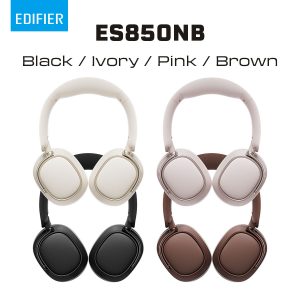
Edifier ES850NB
Over-Ear Headphones- Immersive sound with both Hi-Res Audio and Hi-Res Audio Wireless certification.
- 40mm dynamic driver with titanium-coated composite diaphragm.
- Supports LDAC/AAC/SBC codecs.
- Upgraded noise cancellation system offers up to -45dB ANC depth, isolating unwanted noise.
- Multiple noise cancellation modes are available to suit various scenarios.
- Enjoy approximately 90~95 hours of continuous playback when ANC is off.
- Supports fast charging.
- Built-in mics with AI noise cancellation technology ensure your clear calls.
- Skin-friendly, imitation protein leather makes the ear cushions super soft, ensuring all-day comfortable wearing.
- Fully foldable desgin for carrying convenience.
- Bluetooth V5.4 for seamless audio streaming and a stable connection.
- Support multipoint connection, allowing instant switching between music, videos and calls on 2 differrent devices simultaneously.
- Compatible with EDIFIER ConneX app for additional functions: personalize control settings, select preset EQs, and more.
- Multiple Inputs: Bluetooth, USB-C
SKU: Edifier ES850NB